VTT Subtitles Generator
Easily generate VTT subtitles for your videos
What is the VTT format?
Here are some key points about the VTT format:
- File Extension: WebVTT files have the extension .vtt
- Structure: A WebVTT file starts with a line indicating "WEBVTT". Then, each subtitle block is separated by an empty line. A typical subtitle block includes a subtitle identifier, timecodes indicating when the subtitle should appear and disappear, and the subtitle text itself.
Timecodes in a VTT file follow the format hours:minutes:seconds,milliseconds.
For example, 00:01:20.500 --> 00:01:23.000 indicates that the subtitle appears at 1 minute 20.5 seconds and disappears at 1 minute 23 seconds.
- Specificity: The WebVTT format is compatible with HTML5, which allows styling and positioning of subtitles. Subtitles can be aligned, positioned at a specific location in the video, and can use CSS styles for color, size, font, etc.
- Compatibility: The VTT format is widely supported by modern web browsers and many online video platforms.
Besides subtitles, the WebVTT format can also be used for video chapters, descriptions, metadata, and even for interactive applications.
How to generate VTT subtitles?
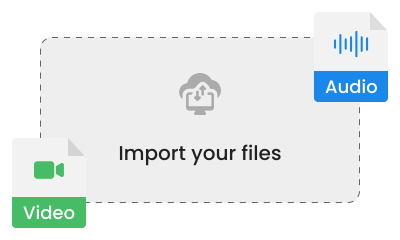
Upload your video
Transcri is compatible with many audio and video formats to make your life easier.

Automatic transcription
Our tool automatically transcribes the audio of your video into text and notes the timecodes.
Download the VTT file
After transcription, the subtitles are formatted into a VTT file, ready to be downloaded and integrated into your video.

Personalization and editing of VTT subtitles
Our online tool offers customization options so that your subtitles truly meet your needs.
Easily edit the content and adjust the timing from the Project space.
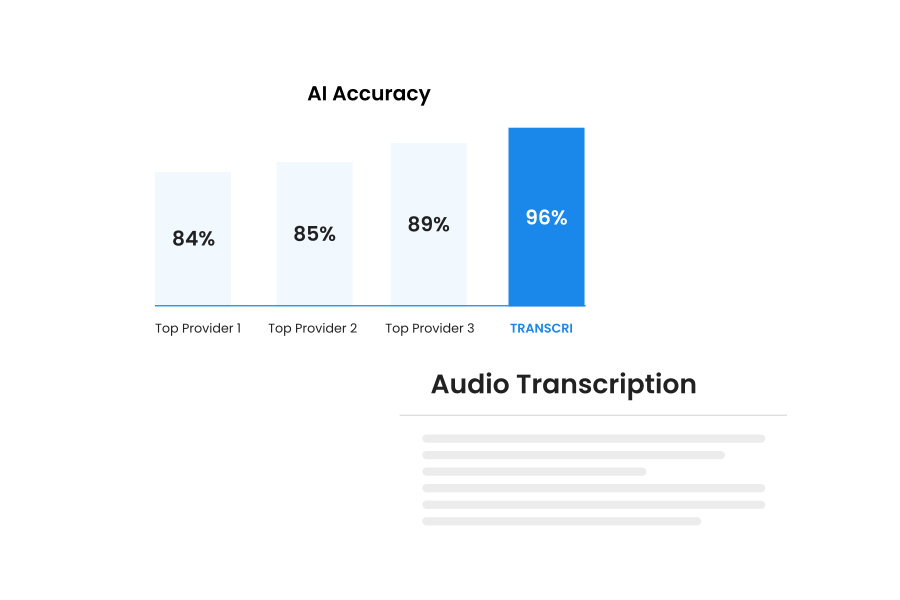
Quality VTT subtitles
We are committed to providing high-quality subtitles. Thanks to our advanced technology, we guarantee accurate transcription and flawless synchronization with your video content.
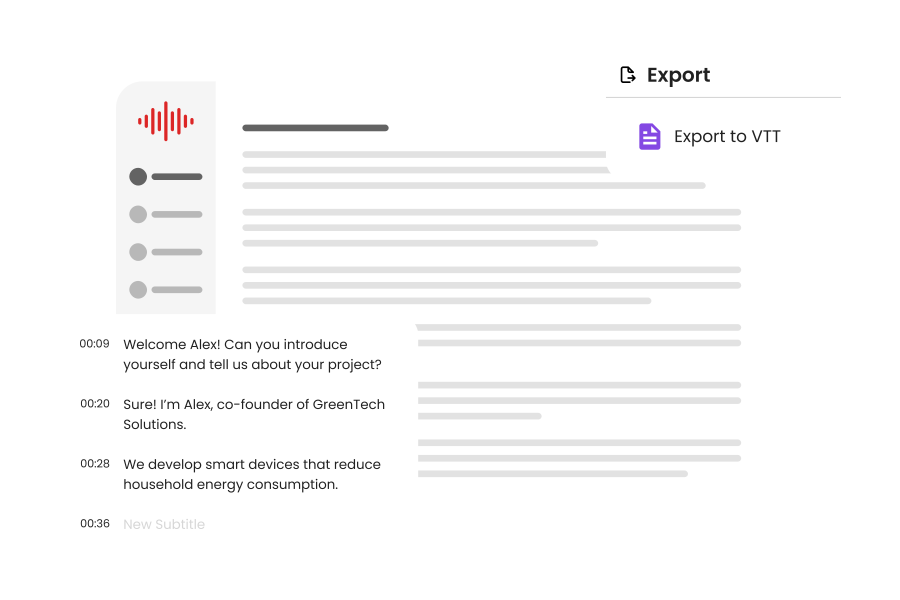
Integration of the VTT file into video platforms
You can easily integrate your VTT files on different streaming platforms and video players. VTT is particularly suitable for YouTube captioning to enhance the accessibility and engagement of your videos.
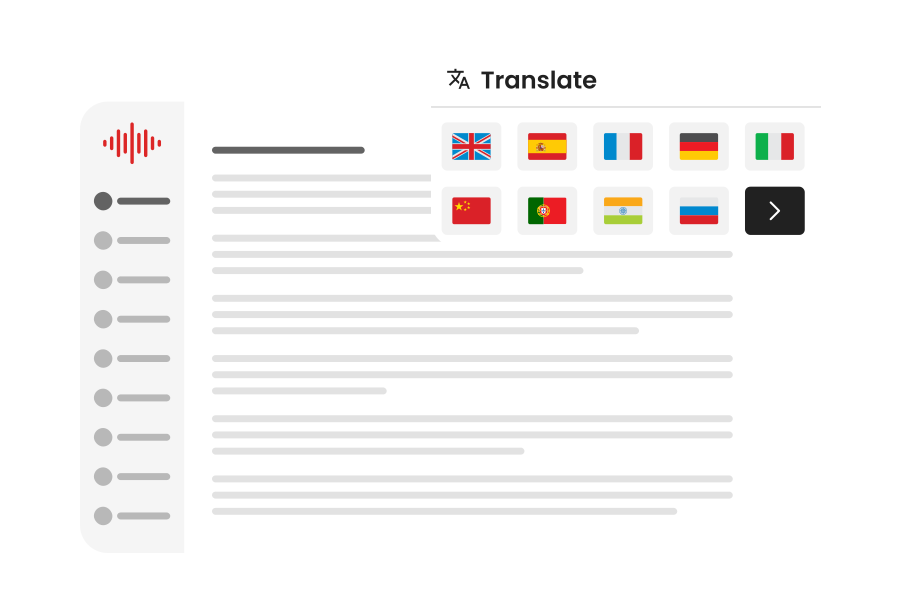
Translation of your VTT subtitles
Transcri offers content creators the ability to translate their subtitles into the language of their choice. Instantly open up to audiences worldwide and grow your audience with international subtitling.
Other available subtitle formats
In addition to the VTT format, download your subtitles in the following formats:
FAQ
Are VTT subtitle files usable on all online video platforms?
What file formats are accepted by the VTT generator?
Our subtitle generator is designed to be compatible with as many formats as possible. You can upload audio files (MP3, WAV, M4A, MPGA…) and video files (MP4, WEBM, MPEG, OGA, OGG, FLAC, 3GP, 3GPP…).
Are there any restrictions on video size or duration?
For anonymous users and free accounts, specific restrictions on the size and duration of videos to transcribe are enforced. These measures are aimed at maintaining optimal service quality and efficiently managing resources for our members.
However, by opting for one of our subscriptions, you can enjoy more lenient limits and access additional features.
How to integrate VTT subtitles into my video?
What languages are supported?
How to create a VTT file?
- Manual method: With a simple text editor, you must strictly adhere to the format (numbering, timing, and text) before saving the file with the .vtt extension and UTF-8 encoding.
- Automatic method: For maximum efficiency, use online tools like Transcri, AI-based, which automatically generate accurate subtitles directly in VTT format.