How to successfully transcribe an interview?
Updated on August 5, 2026·5 min read

Did you know that one hour of audio requires about six hours of manual work?
If you often find yourself overwhelmed by sound files piling up without ever becoming usable documents for your analyses, this article will guide you through mastering every step of interview transcription and finally making use of your recordings.
Let’s review together the most effective methods for boosting productivity.
Interview transcription: a pillar of qualitative analysis
Transcription converts speech into usable material in three formats: full, cleaned-up, or sociological.
This step ensures data reliability and enables rigorous thematic coding. The chosen format directly determines the depth of the subsequent textual analysis.
Word for word (or full): raw preservation of the speech.
Cleaned-up : removal of fillers and background noise.
Sociological : inclusion of hesitations for psychological analysis.
You can use our online verbatim transcription tool to obtain results tailored to your specific needs.
Why turn your recordings into text documents?
Keyword search saves you valuable time. Browsing a text file is much faster than listening to audio files. You immediately identify the relevant quotes for your reports.
The text format makes secure sharing and the use of CAQDAS software easier. These tools index your segments to strengthen scientific rigor. It is the essential foundation of any serious qualitative analysis.
Finally, text archiving ensures the longevity of your data. Files are lightweight, universal, and accessible without special equipment. They ensure the preservation of your work long after the project ends.
3 steps to obtain a flawless final text
Once the format has been chosen, the success of your project depends on rigorous technical preparation to avoid unpleasant surprises during data entry.
1. Improve the audio recording before starting
Place your microphone in the center of the speakers. Avoid noisy places such as café terraces. Clear sound clearly makes the transcription phase easier.
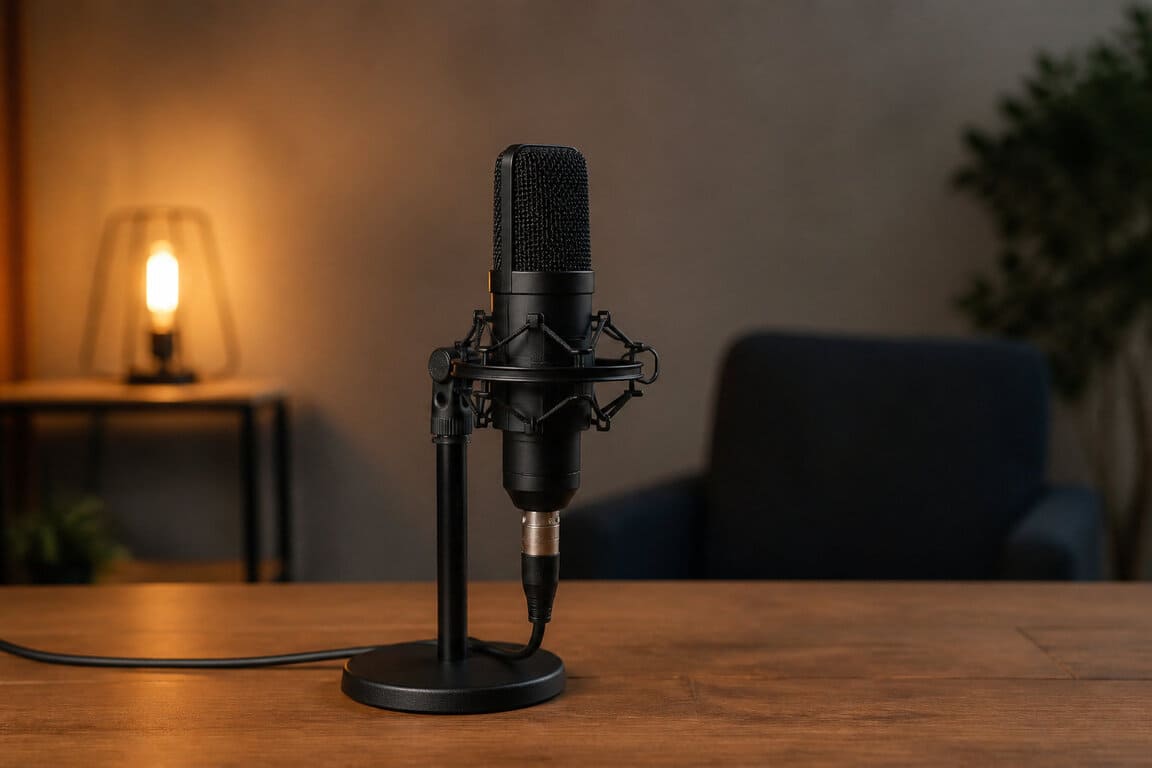
Always test your equipment before the interview. Check the battery level and available storage space.
A good recording speeds up automatic processing. Algorithms struggle with distant voices. Take care of the source to save hours of correction.
2. Manage nonverbal elements and inaudible passages
A few tips:
Use brackets for laughter [Laughter] or silences [Silence 5s].
Mark inaudible passages with a timestamp [Inaudible 00:12:05].
Mark interruptions with double slashes [//].
Timestamping makes it easy to return to the passage later. Be precise in your notation .
Nonverbal cues often reveal more information than the speech itself, exposing the respondent’s areas of tension or enthusiasm.
3. Secure data through anonymization and the legal framework
Consent to recording is a strict legal requirement. Inform your participants about how the data will be used. Follow GDPR guidelines for storage.
Replace proper names with pseudonyms or codes. Also mask company names or overly specific place names.
If possible, delete the original audio files after the transcription has been validated. Protecting privacy strengthens the trust of your future interviewees.
Time estimation and workload management
Beyond technique, anticipating the number of hours is vital so you do not get overwhelmed by the accumulation of interviews.
Some key figures:
6:1 ratio (6 hours of work for 1 hour of audio)
15,000 words per hour of interview
1/3 of total time devoted to proofreading
The real ratio between listening time and typing time
Manual typing is an exhausting exercise. Never underestimate the slowness of human typing compared with spoken pace. Your concentration naturally decreases over time.
Organize your sessions in thirty-minute blocks to maintain optimal accuracy without exhausting yourself unnecessarily.
To work more efficiently, use an audio-to-text transcription tool to lighten this tedious phase.
Tips for handling accents and technical jargon
List technical terms before starting. A prepared glossary avoids spelling hesitations. This greatly smooths your typing pace and limits interruptions during the data entry of your interview transcription.
For strong accents, slow down the audio playback speed. Use software that allows control over the final output.
Familiarity with the speaker’s specific jargon reduces the risk of major misunderstandings when interpreting the data at the end.
Set up keyboard shortcuts for complex words. Save time on recurring expressions. Your productivity will be significantly improved, allowing you to complete your projects much faster.
Tools and solutions to boost productivity
To break through this glass ceiling, modern technological solutions now make it possible to delegate the most thankless part of the work.
AI-assisted transcription software
AI processes files in just a few minutes. It is an incomparable time saver. However, accuracy depends greatly on the initial sound quality.
Artificial intelligence does not replace humans; it does the basic work for them. A final proofread remains essential to ensure accuracy.
Method | Speed | Accuracy | Cost | Ideal for |
|---|---|---|---|---|
Manual | Slow | Excellent | Free | Small volumes |
Automatic (AI) | Very fast | High | Affordable | Large volumes |
Hybrid | Fast | Excellent | Moderate | Academic research |
Transcri: the all-in-one solution
Transcri stands out as the ultimate tool for your research needs. Our intuitive platform processes your audio with impressive fidelity.
You get 15 free minutes every month, perfect for testing the algorithm’s effectiveness on your own files. The trial is non-binding.
Subscription plans or one-time purchases are available. Choose flexibility according to the scope of your qualitative study. It is a profitable investment for your productivity.
In addition to our dedicated editor, the interface lets you export your texts in various formats: Word, PDF, text, subtitles... Everything is provided for.
Simplify your workflow today.
Layout and coding to support qualitative analysis
Adopt a spacious layout for your thesis. Use wide margins for your handwritten notes. Clearly identify each speaker in bold.
Regular timestamps are your best ally. They make it possible to find audio evidence in one click. Here are the essential elements to include:
Line numbering
Speaker identification
Timestamp every 2 minutes
Margins for coding
Thematic coding begins as soon as proofreading starts. Highlight the key concepts that emerge from the text. This prepares the ground for your cross-analysis.
A well-structured document makes it easier to import into CAQDAS software. Do not neglect the cleanliness of your final file. It is a sign of seriousness.
Interview transcription turns your exchanges into usable data, ensuring precise thematic analysis and lasting preservation. By adopting the ideal format and effective tools, you save valuable time starting today.
Frequently asked questions about interview transcription
The transcription of an interview is the rigorous process of converting your audio or video recordings into a usable text document. This step is essential for keeping an accurate record of your exchanges and facilitating the analysis of your qualitative data, whether for an academic or professional project.
You can choose between three main methods depending on your research objectives. Full verbatim captures everything, including hesitations and background noises, which is ideal for psychological or legal analysis. Smooth verbatim preserves the authenticity of speech without grammatical correction, while clean verbatim prioritizes readability by removing verbal tics.
Manual transcription is an extremely time-consuming task. On average, it takes between 4 and 6 hours of work to transcribe a single hour of audio recording. This ratio varies depending on the sound quality, the speakers' rate of speech, and your own typing speed. Tools like Transcri can save a considerable amount of time on this work.
To gain efficiency, you can turn to AI-assisted transcription solutions like Transcri. These modern tools process your files in just a few minutes with impressive accuracy. They allow you to automatically identify speakers and add strategic timestamps.
Was this article helpful?
5.0 (1 rating)

Written by
The Transcri team
Transcri is an AI-powered audio and video transcription platform. We share guides and tips on transcription, subtitling and productivity.